

Luckymate Payment Methods, Deposits and Withdrawal Times
Luckymate accepts four payment methods for players in the United Kingdom: Visa, Mastercard, Google Pay and Apple Pay. That is the complete cashier line-up the operator lists, so this page covers exactly those options — how to deposit with them, how the withdrawal request works, and what to expect at each step.
Luckymate Deposit Methods
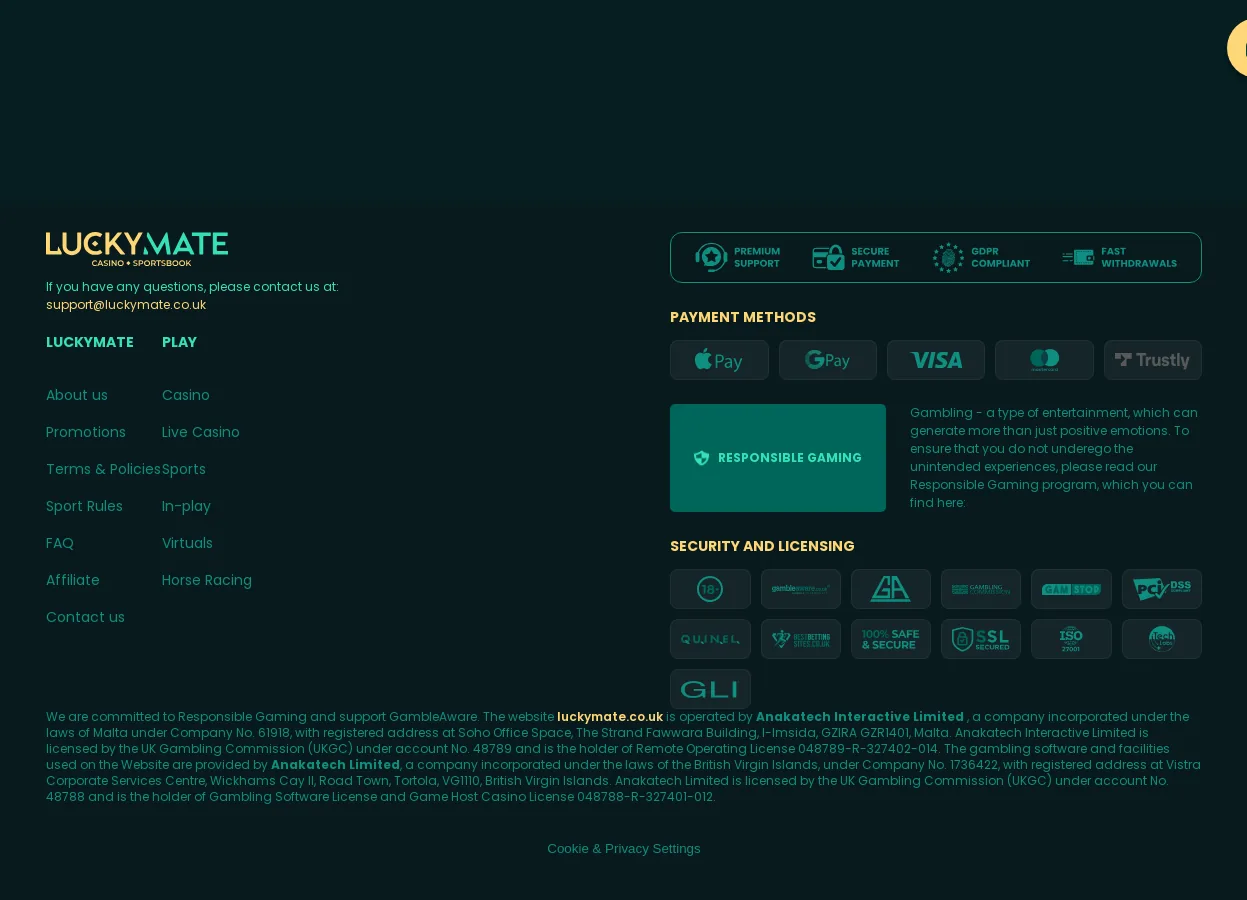
The cashier at Luckymate is built around card payments and their mobile wallet wrappers. The methods available to UK players are:
- Visa — debit card deposits and withdrawals
- Mastercard — debit card deposits and withdrawals
- Google Pay — card-funded mobile wallet for Android users
- Apple Pay — card-funded mobile wallet for iOS users
Google Pay and Apple Pay are not separate payment networks here; they tokenise an underlying Visa or Mastercard, which means the transaction still settles through your card. The practical difference is at the point of deposit: instead of typing a 16-digit card number, you confirm with your phone’s biometric or passcode, and the casino never sees your card details directly.
Credit and Debit Card Deposits
Visa and Mastercard are the backbone of the Luckymate cashier. UK players should note that credit card gambling deposits are not permitted in Great Britain, so in practice these are debit card transactions. You enter the card number, expiry date and CVV once, the card is stored against your account, and subsequent deposits take seconds to confirm. Card deposits are the fallback that works for every player, and — importantly — they are the route that keeps deposit and withdrawal on the same payment instrument, which matters when it comes to cashing out.
E-Wallet Deposits
Luckymate does not list PayPal, Skrill or Neteller. The mobile-wallet function is filled by Google Pay and Apple Pay, which act as wallet-style front ends to your existing Visa or Mastercard. For deposits this is convenient: no card details are typed, and the payment is authenticated on the device. One operational point to be aware of: withdrawals are generally returned to the funding card behind the wallet rather than to the wallet app itself, so the underlying debit card remains your reference payment method on the account.
Bank Transfer and Other Methods
Direct bank transfer is not among the listed deposit options at Luckymate, and neither are prepaid vouchers or cryptocurrency. The four methods above are the full cashier. If your bank blocks gambling transactions at card level, the mobile wallet routes (Google Pay, Apple Pay) are worth trying since they tokenise the payment, though acceptance still depends on your issuing bank’s policy.
How to Make a Deposit at Luckymate
The deposit flow is the standard card-cashier sequence and takes under a minute once your account is active:
- Log in and open the cashier or deposit section from the account menu.
- Select your method: Visa, Mastercard, Google Pay or Apple Pay.
- Enter the amount you want to deposit.
- For card payments, enter card details (first time only); for Google Pay or Apple Pay, confirm on your device.
- Confirm the transaction — the funds are credited to your balance.
The first deposit is the only one that requires full card entry; after that, the stored card makes repeat deposits a two-tap operation. If you have not yet created an account, the sign-up process is covered here: Luckymate registration process. Deposits made at Luckymate can also qualify toward the operator’s promotional offers — the current terms are detailed on a separate page: Luckymate welcome bonus.
How Long Does Luckymate Take to Withdraw?
Luckymate processes withdrawals back to the same Visa or Mastercard used to deposit, in line with the standard closed-loop policy that applies across UK-facing card casinos. The operator does not publish a fixed payout timetable per method, so the realistic expectation is the card-industry norm: an internal approval stage at the casino followed by the card scheme’s settlement time before funds appear in your bank account.
The withdrawal request itself is straightforward:
- Open the cashier and switch to the withdrawal tab.
- Choose the card you deposited with — the system typically pre-selects it.
- Enter the amount and submit the request.
- The request sits in a pending state while the operator reviews and approves it, after which it is released to the card network.
The pending stage is where most of the elapsed time sits on a first cashout, because it is also where account verification is checked. Once an account is fully verified and the same card is reused, subsequent Luckymate bet withdrawals move through the same queue with less friction.
Withdrawal Time by Payment Method
Because every Luckymate withdrawal settles through Visa or Mastercard rails — including deposits originally made via Google Pay or Apple Pay — there is no faster e-wallet lane to switch into. The differentiator is not the method but the state of your account: verified versus unverified, first withdrawal versus repeat. Players who complete verification before their first cashout request remove the single biggest source of delay.
First Withdrawal Verification
As with any UK-facing operator, Luckymate applies know-your-customer checks before releasing funds. Expect to be asked for:
- Proof of identity — passport or driving licence
- Proof of address — a recent utility bill or bank statement
- Proof of the payment method — the card used, with middle digits obscured
Documents are uploaded through the account verification section. The pragmatic move is to submit them right after your first deposit rather than at the point of withdrawal — an unverified account is the most common reason a payout request stalls in the pending queue.
Payment Security at Luckymate
Card transactions at Luckymate run over encrypted connections, and the Google Pay / Apple Pay routes add tokenisation on top: the casino processes a device-specific token rather than your actual card number, so the card data is never transmitted to or stored by the operator in those flows. On the player-protection side, deposit limits and related account controls fall under the operator’s responsible gambling framework, which is covered in detail here: Luckymate responsible gambling. The binding rules for payment transactions — including the closed-loop withdrawal policy — sit in the operator’s terms: Luckymate terms and conditions.
Frequently Asked Questions about Luckymate
What payment methods does Luckymate accept?
Luckymate accepts Visa, Mastercard, Google Pay and Apple Pay. Google Pay and Apple Pay work as mobile wallet front ends to an underlying Visa or Mastercard debit card, so the practical choice is between entering card details directly or confirming the payment on your phone.
Ready to fund your account? Pick your card or mobile wallet and make your first deposit at Luckymate through the link below.